


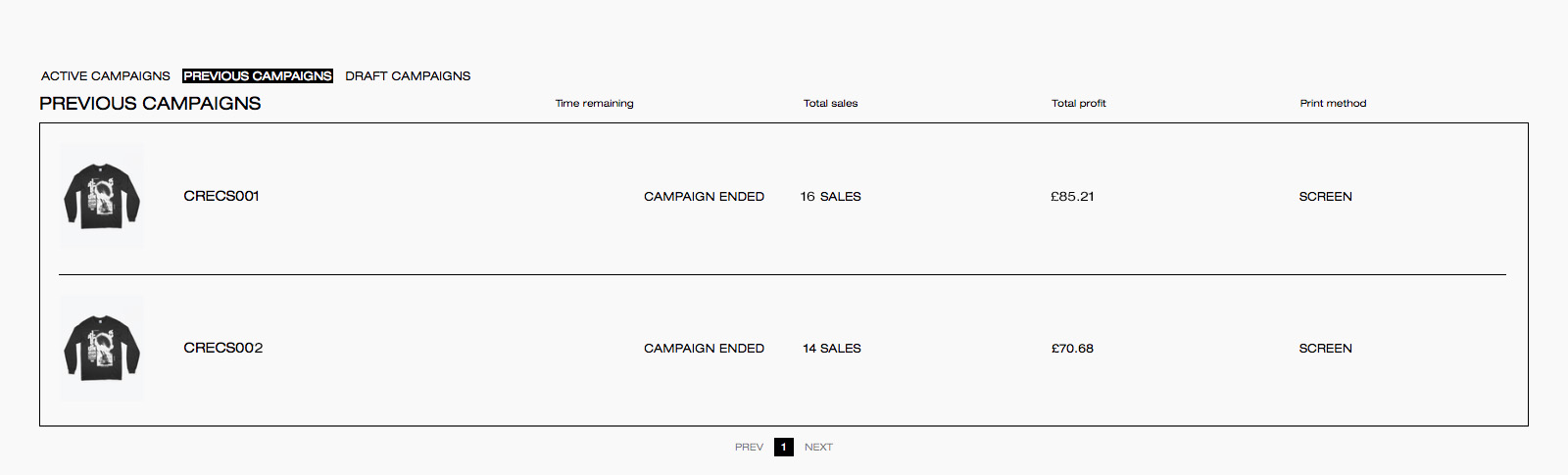
Once your campaign is successful and reaches its end date, we take the production costs from the total sales proceeds, then all the remaining balance goes to you as profit. All you need to do is add your payment details via your dashboard, and we will pay your profits into the nominated account around 40 days after the campaign has finished.
Here’s a quick guide to adding payment details via your dashboard.
Info we need:
- Bank Details
- Payout currency
- VAT registration number if you have one
Payment methods
All payouts are processed via bank transfer. Please ensure your bank details are added to your profile before your campaign ends and kept up to date at all times. To add or update your bank details, go to: Creator Dashboard > Account Settings > Creator Settings.
Choosing payout currency
We’re able to pay you in either British Pounds, US Dollars, or Euros. The field below labelled “Campaign currency” is the default currency in which your campaigns will display in the campaign builder – and this option has no impact on your payouts.

When do you get paid?
We transfer your payouts on a by-campaign basis; creator payouts are paid around 40 days after your pre-order campaign end date. Please ensure your payment details are up to date in your Creator Dashboard. If you are having any trouble with payment please feel free to contact our team by emailing hello@everpress.com.